01
Type any yaml field
Completions surface every valid field for the current type: value — 28 types, all fields, described.
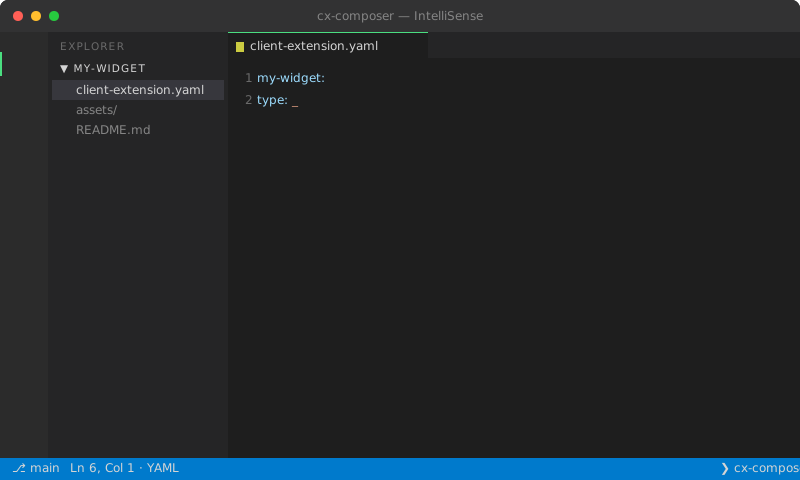
Completions + Markdown hover for every field on every one of 28 types. Schema pulled from Liferay's public YAML reference, cross-checked against 131 real production client-extension.yaml files.
Completions surface every valid field for the current type: value — 28 types, all fields, described.
Markdown hover shows Liferay's own description, type signature, and whether the field is required or optional.
instanceableq → red squiggle → "did you mean instanceable?" All unknown fields flagged with the closest match.
Yellow squiggles under blocks missing required fields, with an exact list of what's missing in the hover.
type: value picker enumerates all 28 CX types with a one-line description each.
The schema was cross-checked at build time against 131 real production client-extension.yaml files, not just parsed from docs.