01
Right-click the target
Right-click a client-extension.yaml or its folder → CX Composer: Build This Extension.
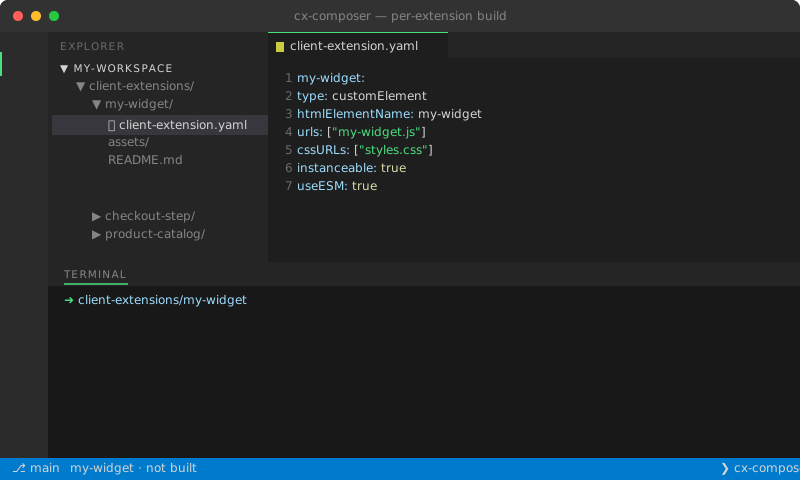
Runs the Gradle task inside the specific CX folder. In monorepos, right-click the folder or the manifest — it targets exactly that project.
Right-click a client-extension.yaml or its folder → CX Composer: Build This Extension.
blade gw buildClientExtensionZip is invoked with the extension folder as the cwd — not the workspace root.
Even when you have 30 CX folders side-by-side, the task targets exactly the one you clicked. No workspace-wide rebuilds.
Standard VS Code integrated terminal — full Gradle output, ANSI colours, and copyable paths.
Output at build/<extension-id>-<version>.zip, ready to upload to your Liferay server or Liferay Cloud service.
The Extensions in Workspace sidebar auto-refreshes on the new zip — the row status goes green.