01
Open CX Companion
VS Code: CX Composer: Open CX Companion from the palette or the sidebar. JetBrains: the CX Companion tool window on the right rail.
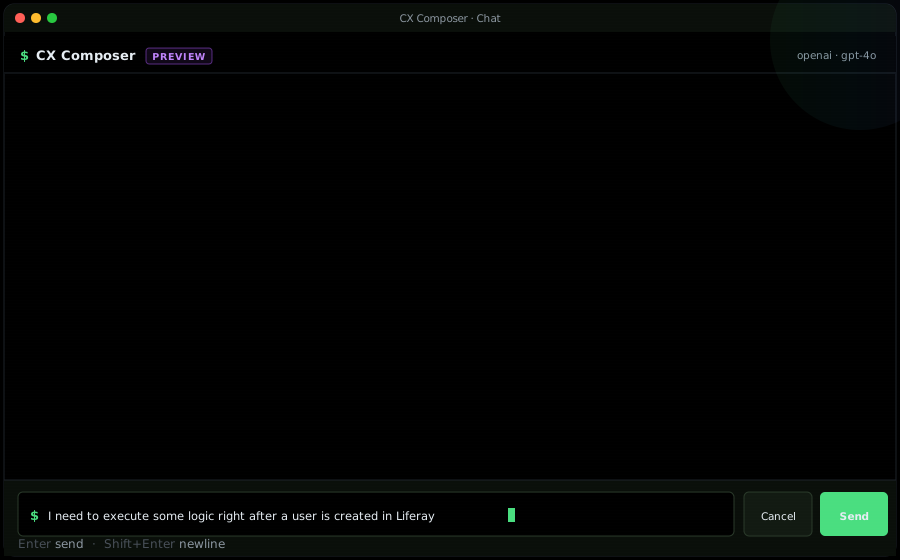
A workspace-aware AI panel for Liferay Client Extensions, built into VS Code and every JetBrains IDE. Describe what you need in plain English and CX Companion picks the right CX type, scaffolds the full project, and edits existing yaml in-place. Every change runs through the preflight validator and queues in a pending-edits review panel — nothing writes to disk until you click Accept.
VS Code: CX Composer: Open CX Companion from the palette or the sidebar. JetBrains: the CX Companion tool window on the right rail.
Plain English. "I need to run some logic right after a user is created." / "Add a priority field to my order-sync object action." / "Scaffold a captcha extension using my /captcha endpoint."
CX Companion reads your workspace, consults the authoritative type registry (all 28 CX types + required fields), and picks the correct one — e.g. objectAction scoped to User.
Not just yaml — the complete set: paired oAuthApplicationUserAgent (or oAuthApplicationHeadlessServer for batch/site-initializer), Dockerfile, LCP.json, assemble block, handler stub.
Before you see a staged edit, CX Companion runs the plugin's yaml validator on it. Missing fields, unknown fields, broken OAuth references, deprecated fields all surface on the review row.
Nothing writes to disk until you click Accept on each file. See the diff side-by-side, approve individually or in batch, reject anything you don't want.
The AI emits a short summary and stops. No more tool calls or streaming while you're reviewing — ask a follow-up when you're ready.
Paste any public URL. The AI crawls the site, infers an Object Definition schema, pulls records as Object Entries, and produces a deploy-ready batch CX folder.
Anthropic, OpenAI, Google, Groq, Azure OpenAI, Ollama (local), or any OpenAI-compatible endpoint (OpenRouter, Together, LM Studio, your own gateway). Keys live in the OS keychain.
CX Companion only handles Liferay Client Extension work. Off-topic asks get a polite redirect to Claude Code / Cursor — keeps the AI focused on what it's actually good at.